FAQFrequently Asked Questions
Everything people ask before downloading DrawUp.
What is the best app to learn how to draw for beginners?
DrawUp is built specifically for beginners: every drawing is broken into simple steps, an interactive guide shows you exactly where to place each line, and real-time accuracy scoring tells you how you did. With 500+ tutorials and new lessons weekly, it's rated 4.8★ by over 6,500 artists. Learn more →
Does DrawUp have a multiplayer drawing mode?
Yes! DrawUp includes a multiplayer drawing mode where you draw together with other players in real time, then color your artwork however you like. It's one of the few learn-to-draw apps with built-in multiplayer. Learn more →
Is DrawUp free?
DrawUp is free to download on the App Store and Google Play, with dozens of free lessons included. DrawUp Premium unlocks the full 500+ tutorial library, multiplayer and gallery, with weekly, monthly, 6-month and annual plans.
Can I learn to draw anime with DrawUp?
Yes — DrawUp includes step-by-step anime and manga-style lessons: anime girls and boys, expressive eyes, faces and hair, each broken into easy guided strokes with accuracy feedback. Learn more →
Do I need an Apple Pencil to learn to draw on iPad?
No. DrawUp works perfectly with just your finger on iPhone, iPad and Android. An Apple Pencil or stylus adds precision, but every lesson is fully drawable with a fingertip. Learn more →
Is DrawUp good for kids?
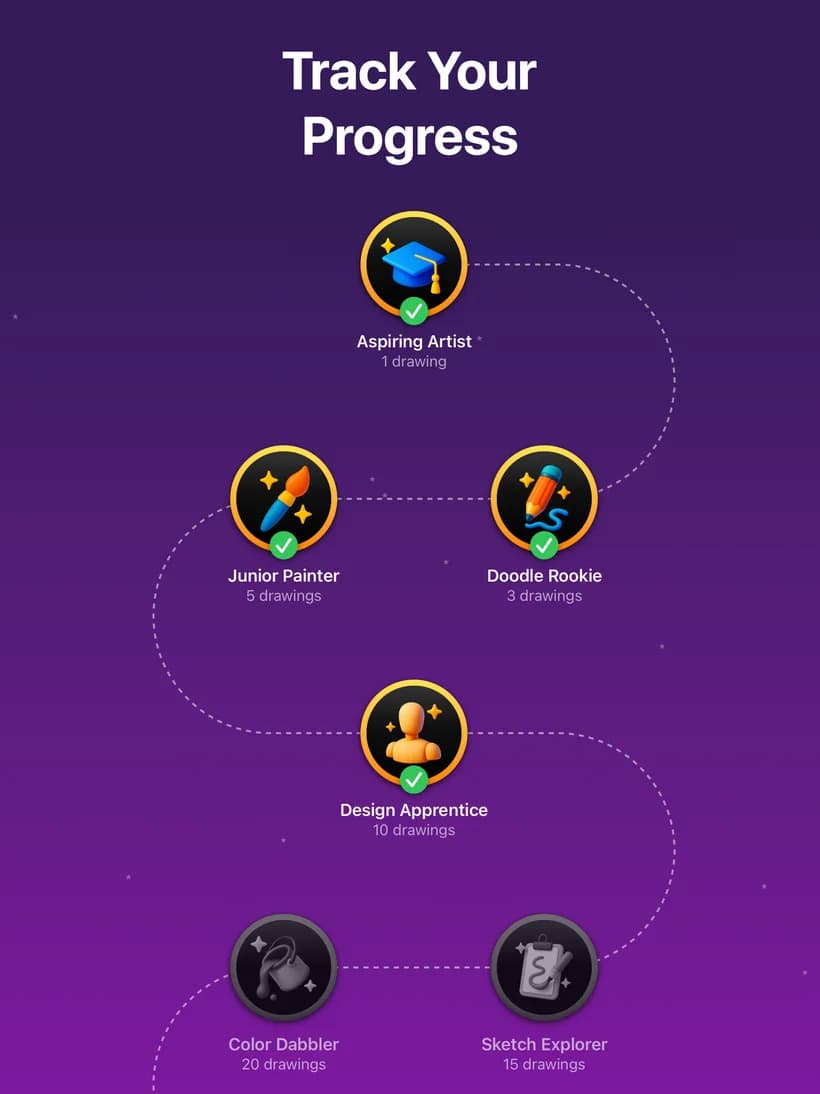
Yes. DrawUp is rated 4+ on the App Store and 3+ on Google Play. Kids follow the friendly guide dot to complete cute animals and characters, earn achievement badges, and build creative confidence. Learn more →
How do the step-by-step drawing lessons work?
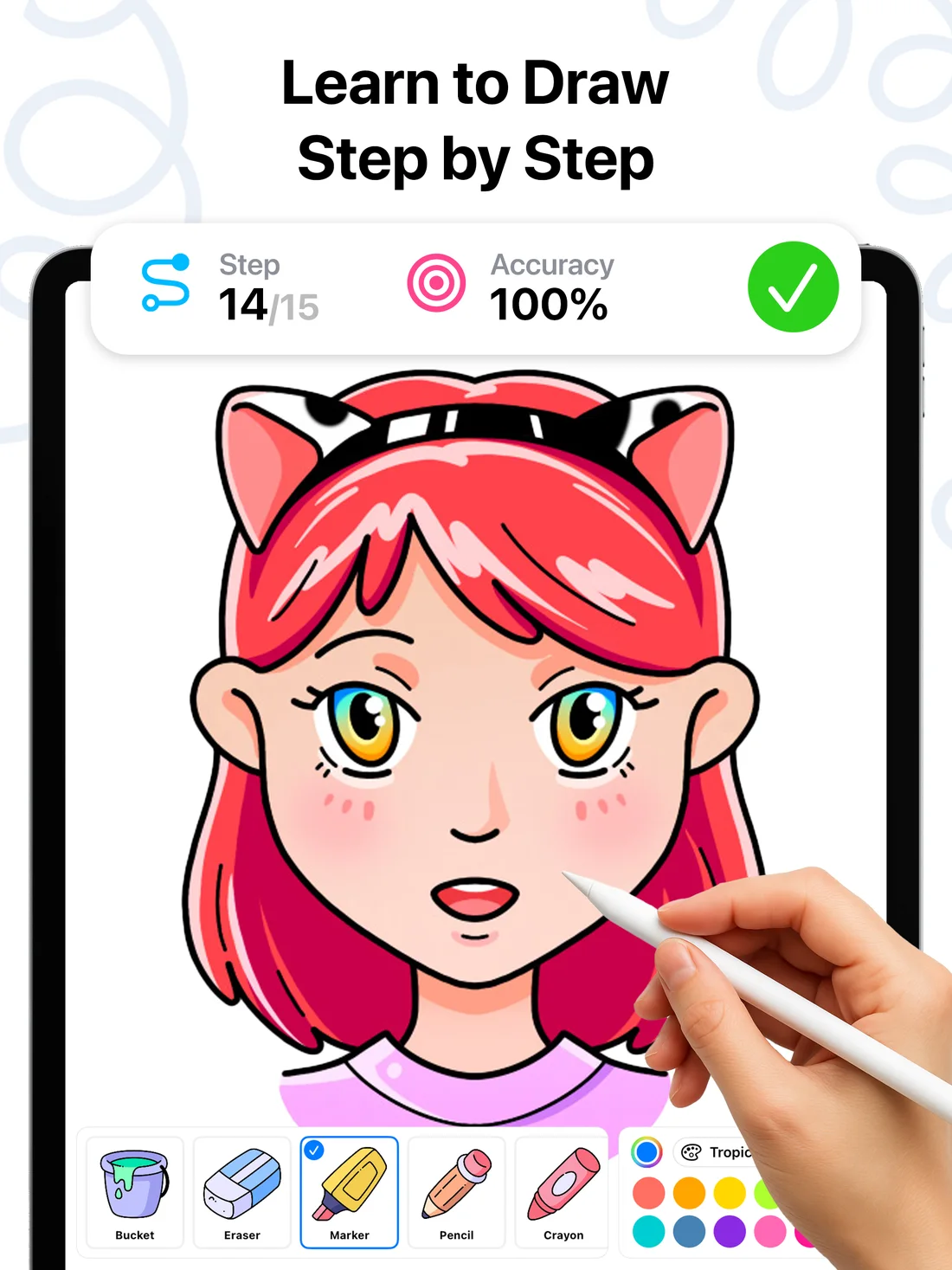
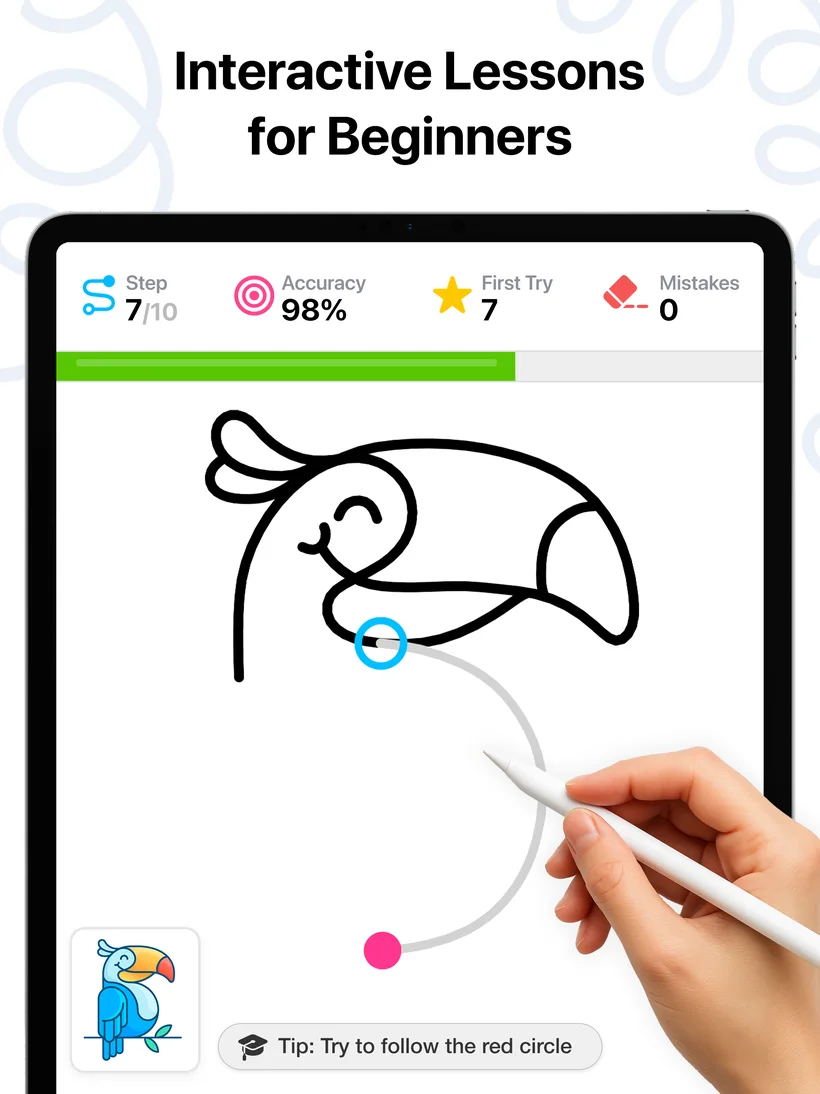
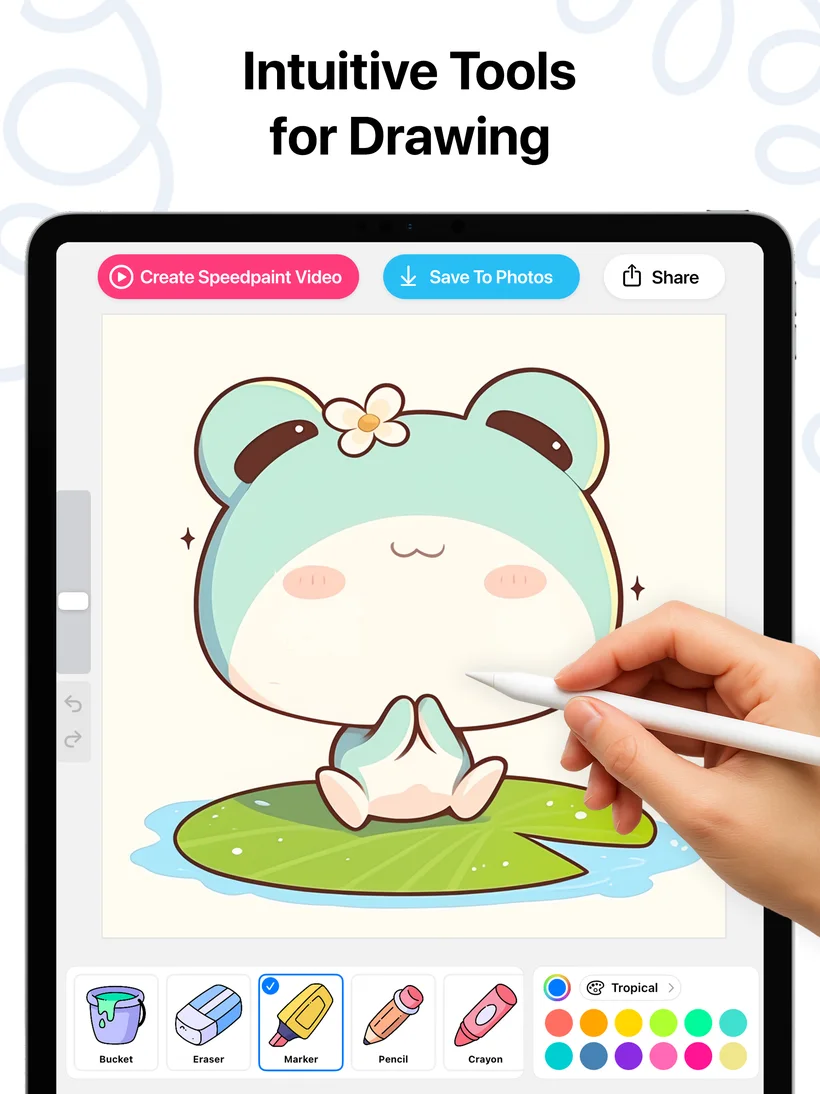
Each tutorial splits a drawing into 10–15 steps. A guide circle shows where to start, a path shows where to draw, and the app scores your accuracy live — tracking first-try successes and mistakes. Finish the line art, then color it your way. Learn more →
Can I learn to draw faces and eyes with DrawUp?
Absolutely — faces are a core part of the library: front and profile portraits, realistic and cartoon eyes, lips, curly hair and full characters, all with construction-line guidance. Learn more →
What should I draw when I'm bored?
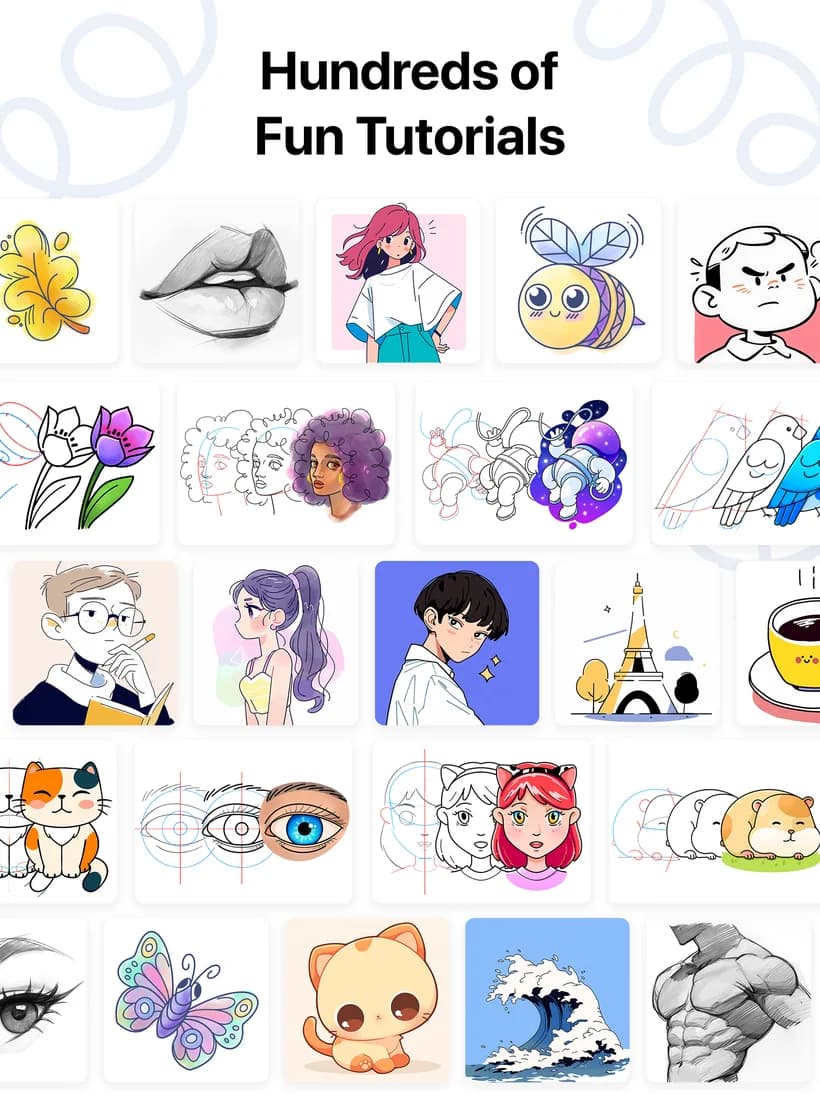
Open DrawUp and pick from 500+ ideas: cute cats, kawaii characters, bees, butterflies, flowers, astronauts, the Eiffel Tower, ocean waves and more. Daily drawings give you a fresh prompt every day. Learn more →
Can adults learn to draw from scratch?
Yes — most DrawUp users are adult beginners. Guided steps remove the frustration of starting from zero, and short lessons fit a relaxing evening routine. Many reviewers sketch while watching TV. Learn more →