Learn to Draw on iPad with Apple Pencil
An iPad and Apple Pencil are the best drawing tools ever made for beginners — infinite undo, no wasted paper, and apps that teach. Here's how to go from unboxing to actual skill.
The mistake most new iPad owners make
They download a professional canvas app, open an infinite blank page with 200 brushes… and freeze. Professional tools are wonderful, but they don't teach. A blank canvas assumes you already know what to do with it. As a beginner, what you need first is guided reps — someone showing you where each line goes until your hand knows it alone.
The right learning stack for iPad
- Start with a teaching app — one that guides strokes and scores your accuracy (this is exactly what DrawUp does).
- Practice daily, briefly. 10–15 minutes. The iPad's always-with-you nature is the advantage — use it on the couch, in bed, wherever.
- Graduate subjects, not tools. Cute animals → faces → figures. Your tools can stay the same while your subjects level up.
- Move to a pro canvas app later, once your hand is trained — your skills transfer completely.
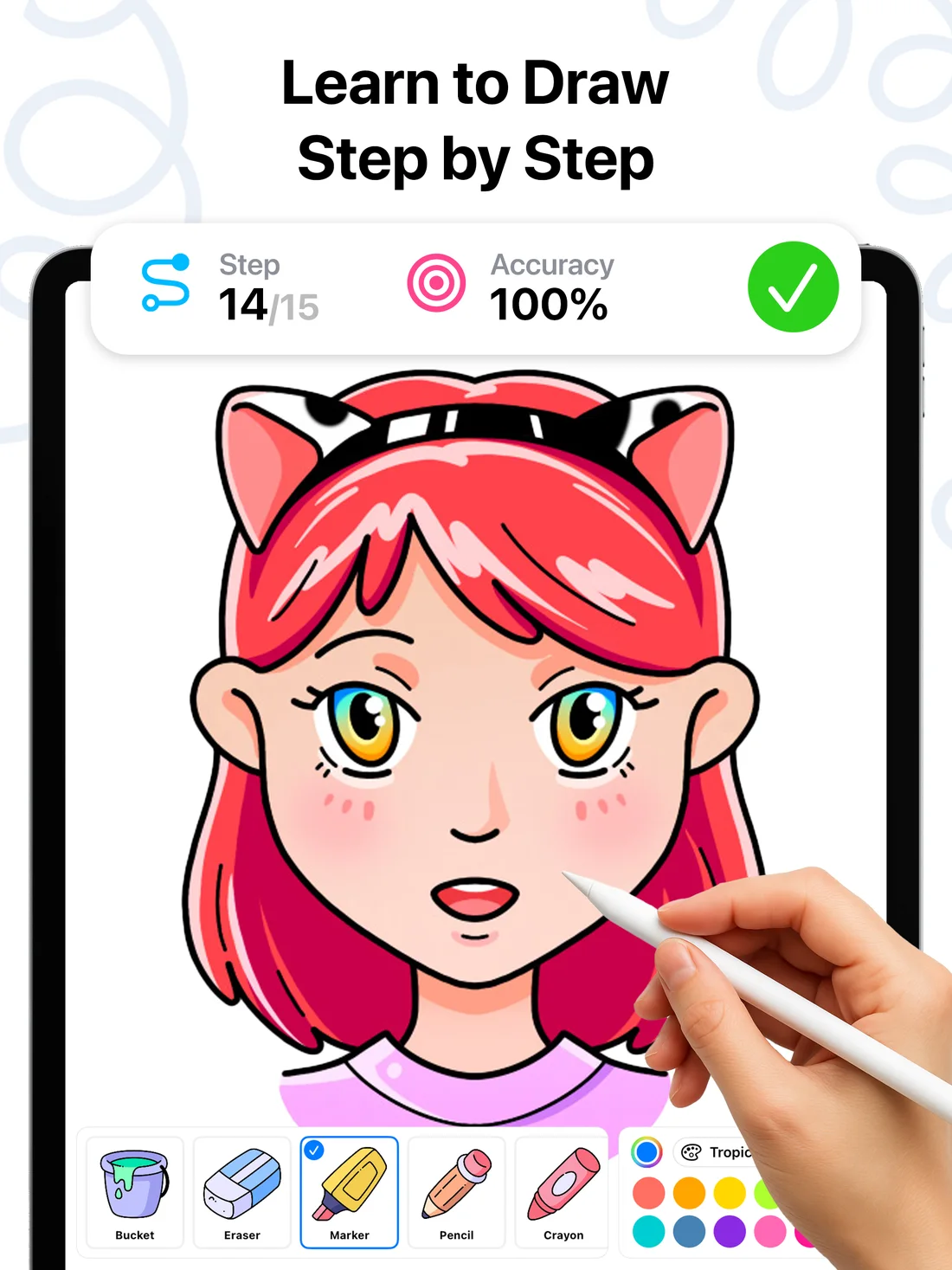
Why DrawUp fits the iPad perfectly
- Full Apple Pencil support — pressure-friendly tools (marker, pencil, crayon) that feel natural, plus finger drawing that works just as well.
- 500+ step-by-step lessons sized for short sessions: pick a tutorial, follow the guide dot, finish a real drawing in one sitting.
- Live accuracy scoring uses the Pencil's precision to give you meaningful feedback — this is where the Pencil genuinely beats a finger.
- Layers, palettes and speedpaint export introduce you to pro-app concepts gently, so the eventual jump to a pro canvas app feels familiar.
- Runs on iPhone, iPad, and Apple Silicon Macs — and there's an Android version for mixed-device households.
A 2-week iPad drawing plan
Days 1–3: one easy animal tutorial per day (bee, toucan, cat). Days 4–7: one character tutorial per day, chasing 95%+ accuracy. Week 2: alternate a new tutorial with redrawing a previous one from memory in free-draw mode. By day 14 you'll have a gallery of a dozen finished pieces and — more importantly — visible proof that your accuracy scores are rising.
