Best Learn to Draw App: What Actually Matters
Every drawing app claims to teach you. Most just hand you a canvas. Here's the 6-point checklist that separates apps that actually build skill from apps that collect dust — and how DrawUp scores on each.
The 6 features that predict whether you'll actually learn
1. Real interactivity — not videos
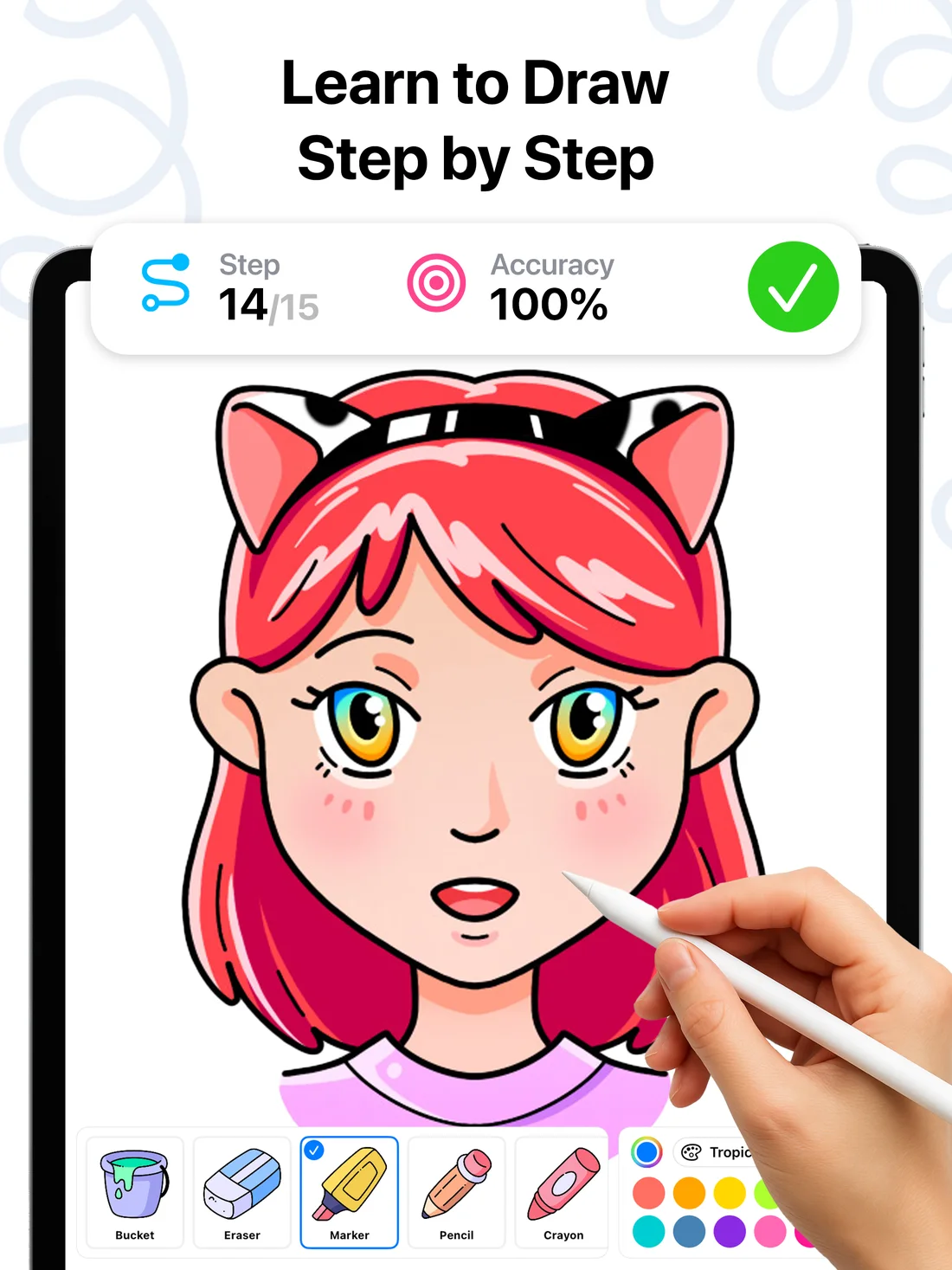
Watching someone draw teaches you what drawing looks like, not how it feels. The app must react to your strokes. DrawUp scores every line you draw in real time — accuracy percentage, first-try stars, mistake count — so each stroke is a feedback loop, not a guess.
2. A step-by-step method
Skill grows when big tasks are split into small, winnable steps. DrawUp breaks every drawing into 10–15 guided moves with a visible start point and stroke path. You finish a real drawing in your first session — the strongest predictor that you'll come back for a second.
3. Library depth and fresh content
You need enough subjects to never run dry, and a reason to return. DrawUp ships 500+ tutorials — animals, faces, anime, landmarks, kawaii characters — with new lessons added weekly and a daily drawing prompt built in.
4. Habit mechanics
The best app is the one you open tomorrow. Look for streaks, achievements and short sessions. DrawUp's badge path (1 → 20+ finished drawings) and 10-minute lesson format are engineered for exactly this.
5. Works with what you have
Finger on a phone should be a first-class experience, stylus a bonus. DrawUp runs on iPhone, iPad (Apple Pencil supported), Apple Silicon Macs and Android — no special hardware required to start.
6. Room to grow
Guided lessons should lead somewhere: free drawing, layers, coloring, sharing. DrawUp includes a free-draw canvas, layers, curated palettes, a relaxing coloring mode, multiplayer sessions and one-tap speedpaint video export.
Red flags when comparing drawing apps
- Video-only 'lessons' — passive content dressed up as teaching.
- Blank canvas + brushes marketed as 'learn to draw' — tools, not teaching.
- No feedback mechanism — if the app can't tell you how your stroke went, you're practicing blind.
- Endless theory before your first drawing — you learn to draw by drawing, today.
The honest bottom line
There are several capable apps in this category, and the right one depends on how you like to learn. Run any candidate through the checklist above — then remember the deciding factor is boringly simple: the best learn-to-draw app is the one you'll open every day. DrawUp's bet is that finishable 10-minute lessons, instant feedback and a bit of fun (coloring, multiplayer, speedpaints) are what make daily practice stick. It's free to try, so test that bet yourself.
